
All inspection requests should be made through the Thompson's Station GeoCivix Plans & Permits webpage. Simply log into the system and use the 'My Dashboard' page to navigate to your permit or search with the magnifying glass icon in the upper right-hand corner then click the 'Request Inspection' button. Alternatively, inspections may be performed by the approved third party inspection agency at the builder's cost. Once the inspection has been performed by the third party, the builder will need to submit the inspection results through GeoCivix, the Town's electronic plan review system. To find more information, you can visit the Building and Codes page.
Community Development
Thompson's Station Community Development manages current Town developments with an eye towards the future and how the Town will grow. It consists of the Planning and Zoning Department and the Building and Codes Department.
Planning and Zoning
The Town's Planning and Zoning Department implements policies and goals through land-use regulations such as the Land Development Ordinance.
Building and Codes
The Building and Codes Department maintains the quality of construction in Thompson's Station, while assisting builders, and the general public in navigating the adopted codes, other regulations and procedures.
Electronic Plans Submittal and Permit Applications
The Town uses GeoCivix Plans & Permits for all planning applications, inspection requests, and necessary permits.
Fee Schedules
Find information on review, permit, miscellaneous, impact, and wastewater impact fees.
Mapping & GIS
View maps of the Town. Maps currently available: Zoning, Sector, Roads, Features, Urban Growth Boundary, Zip Code, and Town Park Trails.
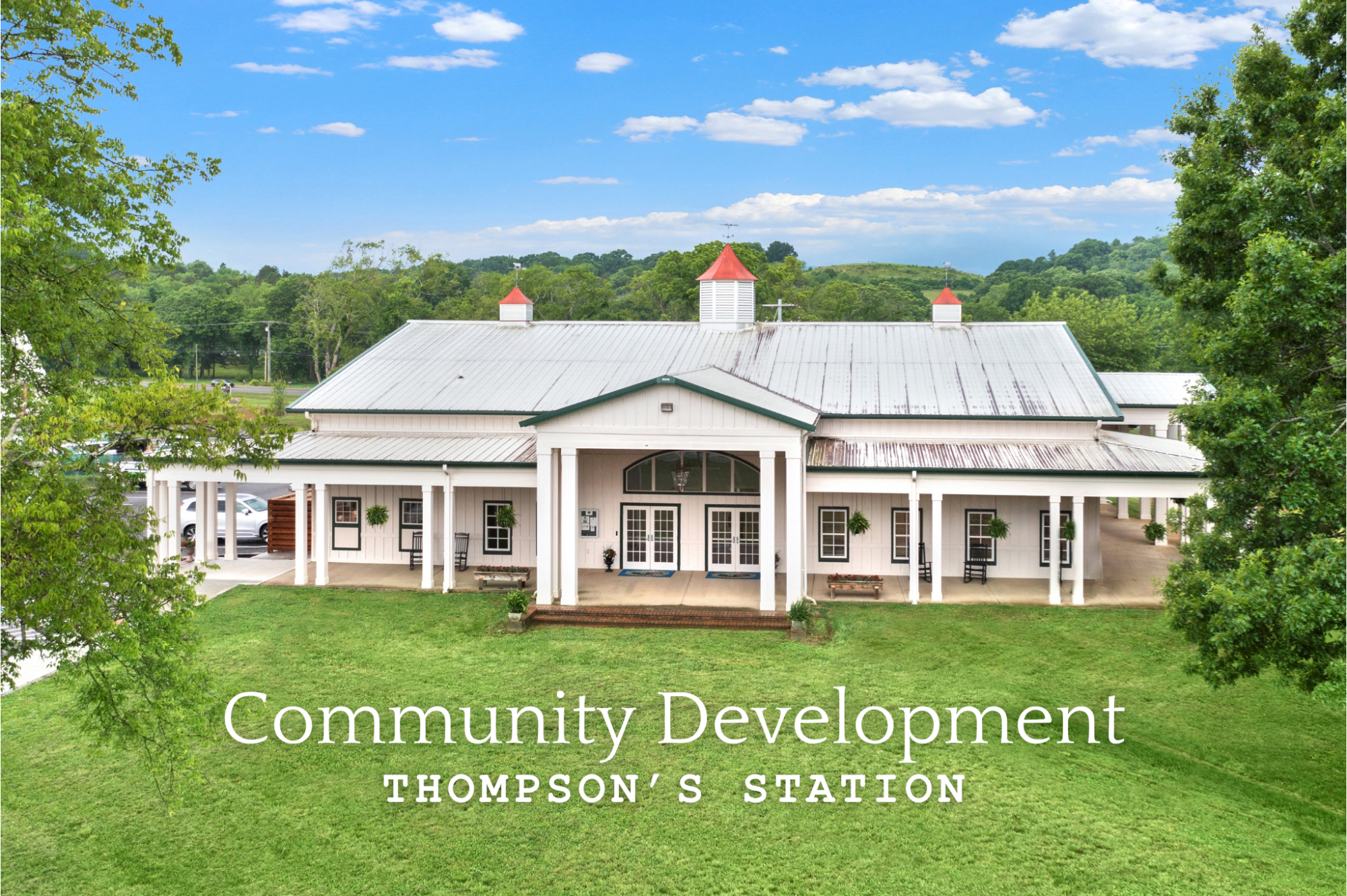
Community Development Mission Statement
The Community Development Department provides guidance on land use policy and development to achieve a future for the Town residents that is consistent with the goals and policies and objectives of the General Plan. The Planning Department provides review for zoning and subdivision applications, along with other types of development. The Building Department provides review of building permit requests and conducts inspections in accordance with the adopted building regulations. The Staff is committed to providing customer service that focuses on excellence, high quality and timely services. The Staff is dedicated to continuing our education and professional development and have a commitment to the community. The goal is to serve the community as a whole based on positive planning principles that create livable communities and a sustainable economy.
FAQs
Codes Inspection
Please contact GeoCivix Support for help with issues concerning how to use the electronic plan submittal system. If you encounter issues with the website, you can also get support by creating a support ticket(opens in a new tab) using your GeoCivix account.
Construction hours are from 7 a.m. to 6 p.m. Monday through Saturday. No construction is allowed on Sunday or Code regulated holidays.
The up-to-date version of the Town's Municipal Code is hosted on the following Municipal Tennessee Advisory Service (MTAS) site: https://www.mtas.tennessee.edu/code/municipal-code-thompsons-station
To expedite the plan review process the permit applicant may submit plans to the approved third party. Once the plans have been approved by the third party, they will need to be submitted through GeoCivix(opens in a new tab), the Town's electronic plan review system.
Third Party Plan Review Process (PDF, 26.17 KB)(opens in a new tab)
Please visit the 3rd Party Plan Review and Inspections page for links to submit your plans.
Third Party Plan Review Process (PDF, 26.17 KB)(opens in a new tab)
Please visit the 3rd Party Plan Review and Inspections page for links to submit your plans.
The United States Post Office sets the regional zip codes for the area based on delivery routes. They do not reflect the municipal boundaries of local Towns and Cities. The Thompson's Station Zip Code (37179) extends into the boundaries of the City of Spring Hill so these properties will have a Thompson's Station, TN address but are actually in Spring Hill. There is similar property that lies within the northern boundary of Thompson's Station's that has a Franklin, TN address. Please refer to the map below for more information. 